

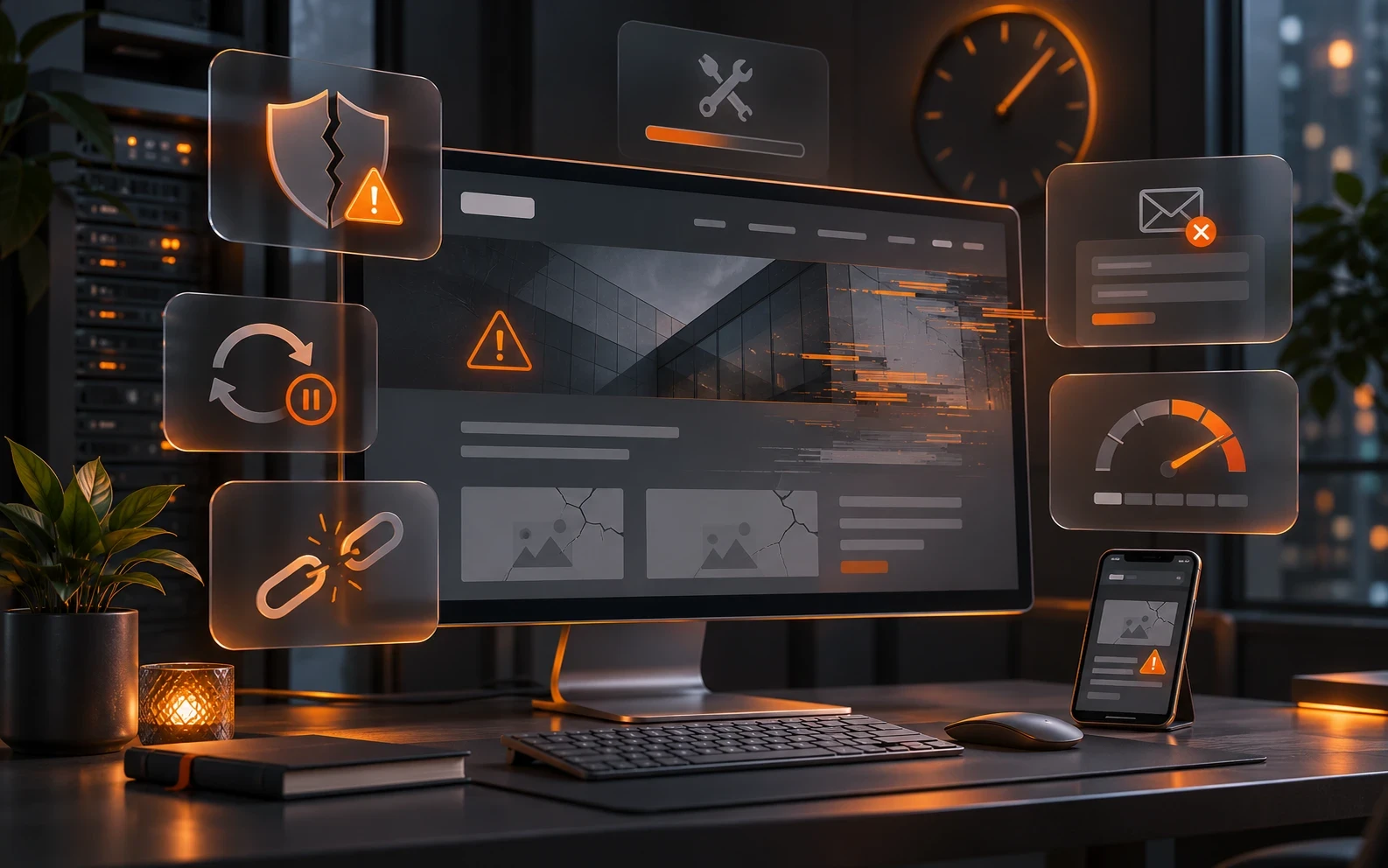
A website can look the same for years and appear to function without any problems. Visitors may browse it, contact forms may work, and the content may remain accessible. However, technical and security problems can gradually develop behind this apparent stability, becoming increasingly serious over time.
After a website is built, many companies consider the bulk of the work to be finished. If there is no need to change the content or add new functionality, they often see no reason to invest further in its maintenance.
This approach may work for a while, but in the long term it poses a risk for websites that use content management systems (CMS), databases, and various software components.
A website is not a one-time product, but a software system that operates in an ever-changing environment. Regular technical maintenance therefore plays an important role in preserving its security, stability, and functionality.
1. Security vulnerabilities remain unpatched
One of the most significant consequences of neglecting website maintenance is increased exposure to security threats.
Popular CMS platforms, such as WordPress, along with their themes and plugins, regularly receive new versions. These may include functional improvements, bug fixes, and patches for discovered security vulnerabilities.
If these updates are not installed, known security vulnerabilities may remain on the website.
Attackers do not necessarily have to target a specific company. Automated systems continuously scan the internet for websites using vulnerable software versions.
In the event of a successful attack, the consequences may include:
-
Unauthorized access to the administration interface
-
Insertion of malicious code or unwanted content
-
Redirecting visitors to other websites
-
Sending spam messages through a compromised system
-
Theft or unauthorized disclosure of data
-
Complete website unavailability
The consequences can be particularly serious for websites that process users' personal data or are connected to other business systems.
Regular security updates cannot eliminate all risks, but they significantly reduce exposure to known vulnerabilities for which patches are already available.
2. Outdated components cause compatibility problems
A website usually consists of several interconnected technologies. In addition to the CMS itself, its operation may depend on the PHP version, database, JavaScript libraries, external services, and web server configuration.
All these components have their own development cycles.
Over time, some versions stop receiving security patches and official support, while new versions of other components introduce changes that are not always compatible with older code.
For example, a website built for an older version of PHP may function for years without any visible problems. However, after the server is upgraded to a newer version of PHP, some features may stop working if the code has not been updated in time.
Similar problems can also arise when updating the CMS, plugins, or integrations with external services.
The longer a website goes without updates, the more complex it can become to bring it up to date later.
Instead of a few small, gradual changes, after several years it may be necessary to carry out a more extensive modernization of the code, replace outdated plugins, or migrate to a new technology platform.
3. Some features may stop working without warning
One problem with unmaintained websites is that failures may not be noticed immediately.
The homepage may look completely fine, while some features behind the scenes no longer work as they should.
For example, a contact form may stop delivering messages due to changes in server configuration, email authentication rules, or an external messaging service.
The visitor may receive a notification that their inquiry was successfully sent, even though the message never reaches the company.
Similar issues can occur with:
-
Online booking systems
-
Online stores and ordering processes
-
Payment service integrations
-
Maps and other external content displays
-
Automated email notifications
-
Connections to CRM and other business applications
The problem is that companies often do not know that a particular feature is not working until a user alerts them.
For business websites, such failures can directly affect the number of inquiries, bookings, or orders received.
That is why maintenance should include not only installing updates, but also checking key features after significant technical changes.
4. A website can become slower over time
An unmaintained website does not necessarily become slower just because it is older. However, various technical issues can accumulate as it is used and negatively affect performance.
For example, the database may contain a large number of unnecessary records, outdated plugins may run unoptimized queries, and new photos may be published without proper compression.
Problems can also arise due to changes in the server infrastructure or increased demands that the website places on the server.
Slow loading negatively affects the user experience and can also affect search engine optimization results.
Regular maintenance makes it possible to identify such problems in a timely manner, monitor performance, and carry out the necessary optimizations.
It is important to distinguish technical maintenance from more extensive speed optimization. Regular maintenance can preserve existing performance and prevent it from deteriorating, while significant speed improvements sometimes require additional development work.
5. Backups may not be available when you need them
A backup, or backup, is one of the most important elements of website protection.
If a technical failure, security incident, or accidental data deletion occurs, a reliable backup can make it possible to restore the system to a previously functional state.
However, the mere existence of an automated backup system is not a sufficient guarantee that recovery will always be possible.
It is necessary to consider how often backups are made, how long they are retained, where they are stored, and whether the data can be successfully restored.
It is particularly important to distinguish between two types of responsibility:
Hosting provider may provide backups at the server or user account level, depending on the contracted service.
Website maintainer may check the state of the application, prepare additional copies before making changes, and ensure that the previous version can be restored if problems occur during an update.
These services can complement each other, but they are not necessarily the same.
For business websites, it is advisable to clearly define who creates the backups, how long they are retained, and who is responsible for system recovery.
6. Problems can negatively affect Google and business reputation
The technical condition of a website can also affect its presence in search engine results.
If a website becomes unavailable, starts displaying errors, contains malicious code, or has serious performance issues, the consequences may also affect its visibility.
Google may warn users about compromised websites, and long-term technical problems can make it harder to index content.
In addition to its impact on search engines, the impression a website makes on visitors is also important.
A potential client who encounters a broken contact form, a browser security warning, or an unavailable website may decide not to continue the conversation.
For a company, a website is often one of the first points of contact with prospective customers and business partners. Its reliability is therefore not merely a technical matter, but also part of the professional presentation of the business.
It is important to note, however, that regular technical updates do not by themselves guarantee better rankings on Google. Quality organic visibility also requires relevant content, proper SEO optimization, and a range of other factors.
7. Putting off maintenance can lead to significantly higher costs
One common reason for skipping maintenance is the desire to reduce costs.
If a website is currently working without any problems, paying for regular maintenance may seem like an unnecessary expense.
However, long-term planning should also take into account the costs of potential failures, security incidents, and subsequent repairs.
For example, a CMS that has not been updated for several years may require significantly more work than a system that has been updated regularly. Some plugins may no longer be supported, and changes to the software environment may require additional adjustments.
In more complex cases, the cost of modernization can approach the cost of rebuilding individual parts of the website.
If a security incident occurs, the total cost may also include an investigation of the compromise, removal of malicious code, data recovery, and the temporary unavailability of business services.
Preventive maintenance generally makes costs more predictable and reduces the likelihood of unplanned interventions.
This does not mean that every failure can be prevented, but timely maintenance can help avoid some problems caused by known, neglected technical issues.
What should regular website maintenance include?
The scope of maintenance depends on the technology used to build the website, its complexity, and its importance to day-to-day business operations.
For a typical business website that uses a CMS, maintenance may include:
-
Updating the CMS – installing available security and feature updates.
-
Updating plugins and themes – checking compatibility and applying necessary patches.
-
Security monitoring – identifying known vulnerabilities and unusual activity.
-
Functionality checks – checking contact forms, administration, and key integrations.
-
Backup checks – verifying that suitable backups are available and can be restored.
-
Monitoring technical compatibility – checking supported versions of PHP, software libraries, and other components.
-
Resolving identified issues – interventions within the agreed scope of service.
These activities may not be included in every maintenance plan. Their actual scope, frequency, and responsibilities should be defined when the service is contracted.
For more complex web applications, online stores, and systems connected to other business services, maintenance may also include additional testing, monitoring, and change control procedures.
Does every website need the same level of maintenance?
Not all websites are equally demanding to maintain.
A simple static website built without a CMS, database, or complex external integrations generally has far fewer components that require regular software updates.
That does not mean it needs no maintenance at all. You still need to keep an eye on hosting, the domain, the SSL/TLS certificate, working links, and any changes to external services.
On the other hand, dynamic websites that use a CMS, an administrative interface, contact forms, user accounts, or additional modules have a larger surface area for potential security and functional issues.
Online stores and business applications that process orders, reservations, or other important data every day require an even more serious approach to maintenance.
Therefore, the frequency and scope of maintenance should be adapted to the actual risks and business importance of each website.
Can maintenance be fully automated?
Some maintenance activities can be automated, including installing certain updates, creating backups, and monitoring website availability.
Automation can significantly simplify administration, but it does not eliminate the need for supervision.
For example, an automatic plugin update may complete successfully while causing a problem with functionality that depends on its previous version.
For more complex systems, it is therefore useful to carry out updates in a controlled manner, with an appropriate backup and checks of the most important functionality.
Automated systems are particularly useful when they are part of a broader maintenance process, rather than a complete replacement for it.
What if a website has not been maintained for several years?
If a website has not been maintained for a long time, it is not advisable to immediately run all available updates without first carrying out an assessment.
Older systems may have a large number of interdependent components, and updating them all at once can cause incompatibilities.
Before proceeding, it is advisable to conduct a technical analysis that includes reviewing the CMS version, plugins, software environment, database, and existing backups.
Based on the results, an appropriate update procedure can be determined.
In some cases, it is enough to update the existing system gradually. For extremely outdated or unsupported solutions, modernizing the application or building a new website should be considered.
It is important to make this decision based on the actual technical condition, not solely on the age of the website.
Website maintenance is an investment in business continuity
A website that works without problems today will not necessarily remain just as reliable in the future.
Technologies evolve, security vulnerabilities are discovered, and changes to server and software environments can affect the operation of existing functionality.
Regular maintenance makes it possible to monitor and address some of these changes gradually, before they develop into more serious technical or business problems.
For companies that use their website as an important channel for communicating with customers, presenting products, or receiving business inquiries, maintenance should be an integral part of long-term digital infrastructure management.
At Webmaster.hr, we provide technical website maintenance services, including updates to CMS systems and software components, as well as additional development and technical work based on project needs.
If your website has not been updated for a long time or you want to ensure its regular maintenance, contact us so we can assess its current state and suggest an appropriate solution.
For more information, visit our page Website Maintenance.